Tango Live / web creator workflow

Start streaming on Tango Live.
Tango gives creators a more production-minded live setup: broadcast from Android or bring an iPhone camera into Tango Web, then manage chat, gifts, invitations and premium options from the larger screen. It suits a creator who wants to host, not just hold a phone.
Start streaming now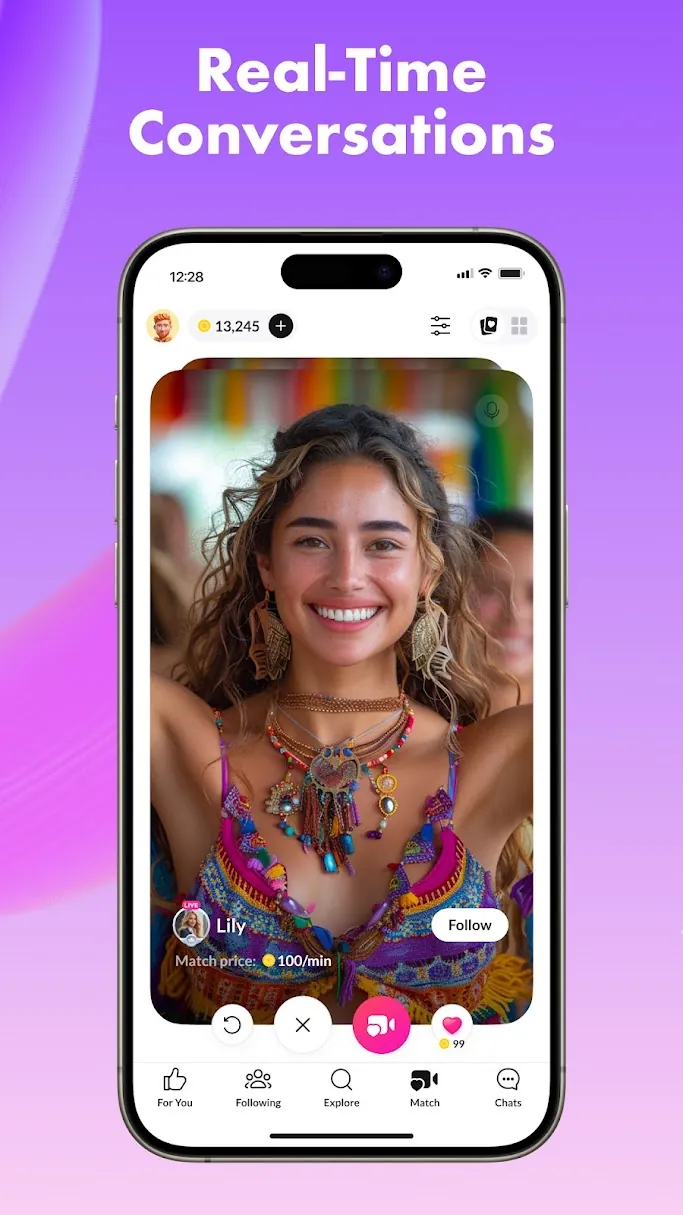
Your country guide
Tango in United States.
Choose your location to see the setup options that matter for your first live.
Available to stream
Choose your stage.
Payout methods
Ways to receive rewards.
Set up your preferred available method inside Tango after your account is ready.
Your Tango launch plan
A web-led conversation with a clear run of show.
- 01
Choose the right setup
Android creators can use the app. For an iPhone camera workflow, Tango documents starting from Tango Web, scanning its QR code with BoarCast, then letting the phone handle video while web handles chat and live controls.
- 02
Plan one audience choice
Open with a short welcome and a single decision the room can make together: the next song, topic, question or challenge. Keep the first session focused enough to repeat next week.
- 03
Use the interaction tools deliberately
Tango supports gifts, Live Party and Battle-style participation. Keep the first broadcast conversational; treat games or a multi-creator moment as an optional second act, not the whole room.
- 04
Turn support into a return loop
Thank supporters naturally, note the strongest discussion and announce the next live. Tango describes gifts converting into creator Diamonds for eligible payout, while exact cash-out details remain in the creator dashboard.
Tango room standards
Keep support voluntary and conversation safe.
Keep the live respectful and professional
Tango’s safety guidance asks creators to follow the platform rules, protect account credentials and avoid promises or guarantees in exchange for gifts.
Treat gifts as voluntary support
Do not pressure viewers, promise a relationship or a specific outcome, or move money requests outside the platform. Thank supporters without turning support into an obligation.
Use safety tools before the room escalates
Keep early conversations on Tango, avoid sharing personal or payment information and block or report suspicious behaviour. Add clear boundaries before you try Battles, Parties or premium features.
Tango format playbook
Host the room like a small live show.
Tango has features for single broadcasts, Live Parties, competitions and supporter-led moments. Give every session a beginning, one interactive centre and a specific reason to return.
- Storytime with one audience vote
- A live music request set with a visible goal
- A two-creator Party conversation after the solo opener
Before you go on air
Separate camera, chat and control.
- ✓Desktop browser for chat and controls
- ✓A second camera device if using the web workflow
- ✓Strong Wi-Fi on both devices
- ✓A simple segment plan
- ✓A next-live topic written down before you start
Questions creators ask
Tango setup questions.
Can I host with an iPhone and a browser?
Tango documents a two-device workflow: start the stream from Tango Web, select Stream from iOS, then connect the phone through BoarCast. The browser manages chat, gifts and invitations while the phone handles video and audio.
What is a Tango Battle?
Tango describes a Battle as a creator competition based on gifts during a session. It can be launched from a live party or a single broadcast. Treat it as an optional format once your standard room is working.
How do creator earnings work on Tango?
Tango explains that viewer gifts become Diamonds in a creator account, which eligible creators can redeem through the earnings dashboard. Check the current dashboard for payout methods, thresholds and processing details.
Guide sources